
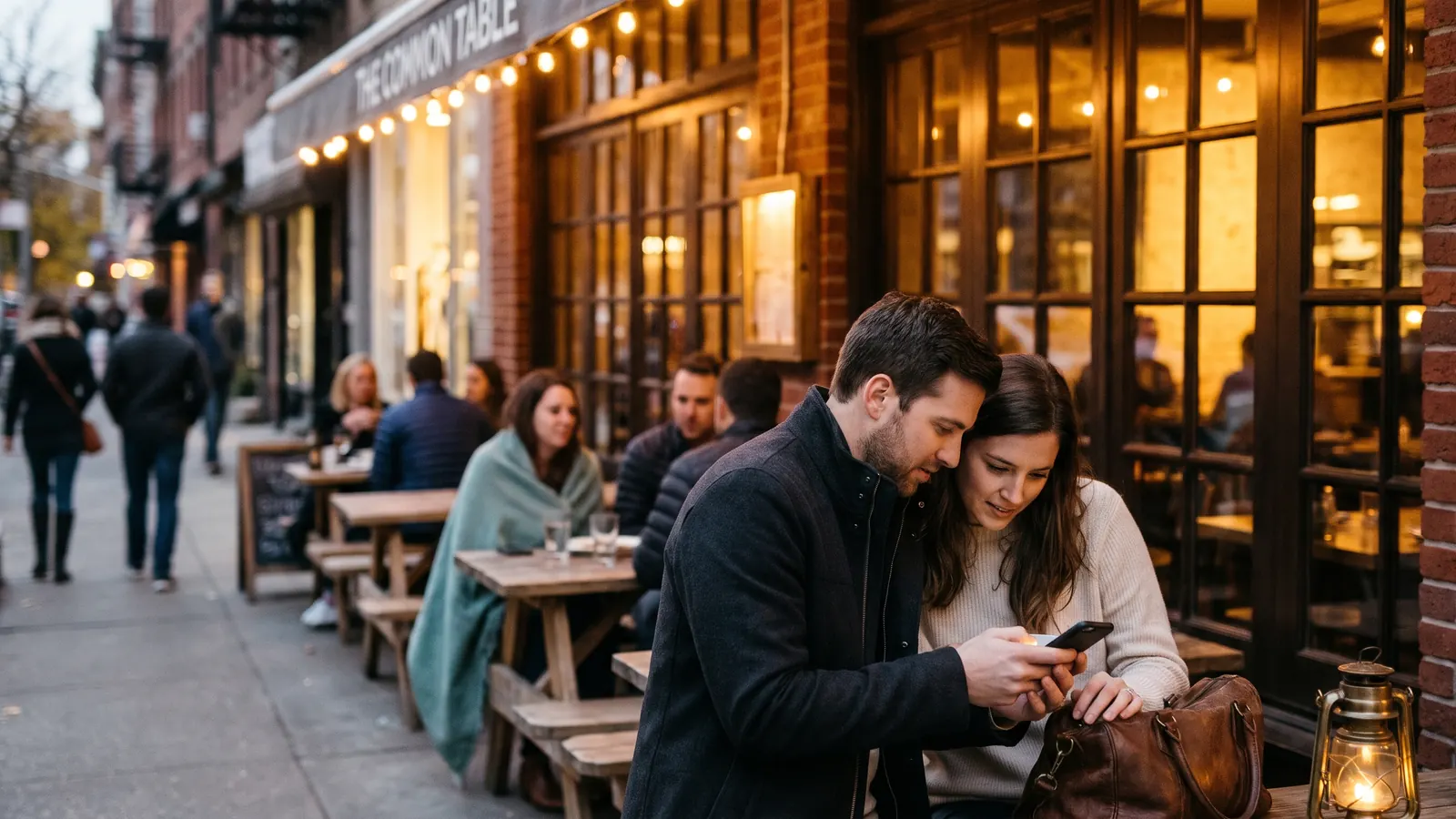
For a lot of guests, your Google listing is the first thing they see, before your website, your menu, or your front door. A complete Google Business Profile for restaurants answers the basic questions fast, shows off the food, and gives people a one-tap way to call, book, order, or get directions. Google says its local results are mainly based on relevance, distance, and how well known a business is, which it judges partly from reviews and links. You can't move your building closer to the searcher, so put your effort into the parts you control: complete information, strong photos, and a steady flow of reviews.
Claim and verify your profile
- Search for your restaurant on Google Maps. If a profile exists, claim it. If not, create one.
- Use your exact real-world name. Google's guidelines don't allow extra keywords or a city tacked onto the business name, and keyword-stuffed names risk suspension.
- Verify ownership. Google offers different methods depending on the business, and video verification is common, so be ready to show your exterior signage, the inside of the restaurant, and proof that you manage it.
- Keep primary ownership with the owner, and add your managers or marketing team as managers. When someone leaves, remove their access the same day.
- Opening soon? You can set a future opening date up to a year out, and once you're verified, your profile shows up on Google 90 days before you open.
Google Business Profile for restaurants: get the core details right
| Field | What to enter | Common miss |
|---|---|---|
| Business name | Your exact real-world name | Adding keywords or the city |
| Primary category | The most specific match, like Italian restaurant or Steak house | Settling for the generic Restaurant category |
| Additional categories | Only what's true, like Bar or Brunch restaurant | Adding categories you don't really serve |
| Hours | Regular opening hours | Posting door hours when the kitchen closes earlier |
| More hours | Brunch, happy hour, kitchen, takeout, and delivery hours | Leaving them blank |
| Special hours | Holidays, private events, and weather closures | Forgetting until guests find a locked door |
| Attributes | Dine-in, takeout, outdoor seating, accessibility, reservations | Skipping accessibility and amenities |
| Links | Your own menu, reservation, and ordering pages | Sending guests to an outdated page |
| Description | A plain description of the food and the room | Keyword stuffing |
Menu, ordering, and reservations
- Menu. Google's menu editor lets eligible restaurants list sections, items, descriptions, and prices. Keep it matched to your real menu, and update prices the day they change. Also link to the menu on your own website, built as a web page so guests can read it easily on a phone.
- Ordering. Add a link to your own online ordering page if you have one, and check every month which ordering options show on your profile.
- Reservations. If your reservation platform partners with Google, guests can book right from your profile. Otherwise, add your booking link. Our comparison of Resy vs. OpenTable vs. SevenRooms covers the main platforms.
Photos that sell the visit
Photos do a lot of the selling on a profile. Upload your own and keep them current:
- The exterior, so guests recognize the door from the street
- The dining room and bar during service, with the lighting you actually use
- Your most-ordered dishes and signature drinks, shot in good light
- The team, the patio, and any private dining space
- Seasonal dishes as the menu changes
Use real photos of your own food and room. Guests post photos too, and yours set the standard next to theirs. Add a fresh batch every month or two so the profile looks like the place guests will walk into.
Reviews: earn more and answer all of them
Google says more reviews and positive ratings can help your local ranking, and guests read them closely before they choose where to eat.
Asking for reviews. Ask after the visit, in a follow-up email or text with your review link, and keep any mention in the dining room low-key. Google's policies prohibit offering incentives like discounts or free items for reviews, asking only happy guests, pressuring guests to leave a review while they're on the premises, and asking staff to hit review quotas or collect reviews that name a team member. That last rule takes the classic server review contest off the table.
Answering reviews. Reply to every review within a few days.
- For praise, thank the guest by name and mention the dish or moment they wrote about.
- For complaints, apologize, name the fix, and invite them to contact a manager directly. Keep it short and calm, and never argue in public.
- Leave details from the guest's reservation or visit out of a public reply.
AI can draft replies in your voice so none sit unanswered, as long as a manager reads and approves each one before it posts.
Posts and updates
Google posts are a quick way to share events, specials, seasonal menus, and holiday hours. A weekly or every-other-week rhythm keeps the profile looking active. Lead with a strong photo and use one clear button, like Book or Order online. For calls, attach the post's Call now button, which uses the number already on your profile.
Questions now go to Google's AI
Google has retired the public questions and answers section on Maps. Guests can now ask a question on your profile and get an AI answer drawn from your business details and reviews. That raises the stakes on complete information. If your attributes, hours, menu, and description are thin, the answer a guest gets will be thin too. Fill in every attribute that's true, from parking and outdoor seating to vegetarian options and private dining.
Track what the profile does
Your profile's performance view shows searches, views, calls, direction requests, website clicks, and bookings, plus the search terms people used to find you. Check it monthly and compare it with your covers. Add UTM tracking tags to your website link so your analytics show profile visits separately from the rest of your search traffic.
Fix the common problems fast
- Wrong pin. If the map pin sits on the wrong side of the block, move it so directions bring guests to your actual door.
- Duplicate listings. An old or duplicate profile splits your reviews and confuses guests. Report it through Google's support options and ask for it to be removed or merged.
- Policy-breaking reviews. You can report a review that breaks Google's policies, like spam or a rant about some other business. A review you simply disagree with stays up, so answer it well.
- Suspensions. A suspension often traces back to a guideline problem, like a keyword-stuffed name or a wrong address. Fix the cause first, then request reinstatement.
Weekly and monthly upkeep
| When | Task |
|---|---|
| Weekly | Reply to new reviews, add a post or photos, and check the coming week's hours |
| Monthly | Review performance, update menu prices, add new photos, and check attributes |
| Before holidays | Set special hours for every closure and changed shift |
| Whenever something changes | Update hours, menu, and links the same day |
| Every few weeks | Look for edits suggested by the public or by Google, and correct anything wrong |
This rhythm is the backbone of our restaurant marketing work, because it's the first thing to slip during a busy season. If you run more than one location, each address needs its own verified profile, photos, hours, and review replies. Our guide to multi-location restaurant marketing covers how to manage them at scale.
How Monarch helps
Our restaurant marketing team sets up and runs your Google Business Profile alongside your website, social, email, and ads, with AI drafting review replies and a person approving every one before it posts. Our free AI assessment reads your Google listing and reviews along with your website, and Christy follows up personally.
Want help with this?
Monarch handles marketing for restaurants as part of one white-glove team. We do the work. You guide the process. See how marketing works with us.
Get Your Free AI Assessment